![Tales of Astel Free Download [v1.0]](https://gamebrb.com/wp-content/uploads/2026/02/uyweytuqwetyqweasd.jpg)
Tales of Astel Overview
Immerse yourself in the tale of Astel the goblin — a story where irony, lust, and death intertwine. Overcome obstacles or submit to fate, seek truth or surrender to temptation. Conclude the tale that will be written before your very eyes. Immerse yourself in the tale of Astel the goblin, who escaped captivity and now strives to fulfill her dream of becoming a merchant. Yet on her path rises the very design of the universe: a dark and absurd story where irony, lust, and death intertwine in a grand plan.
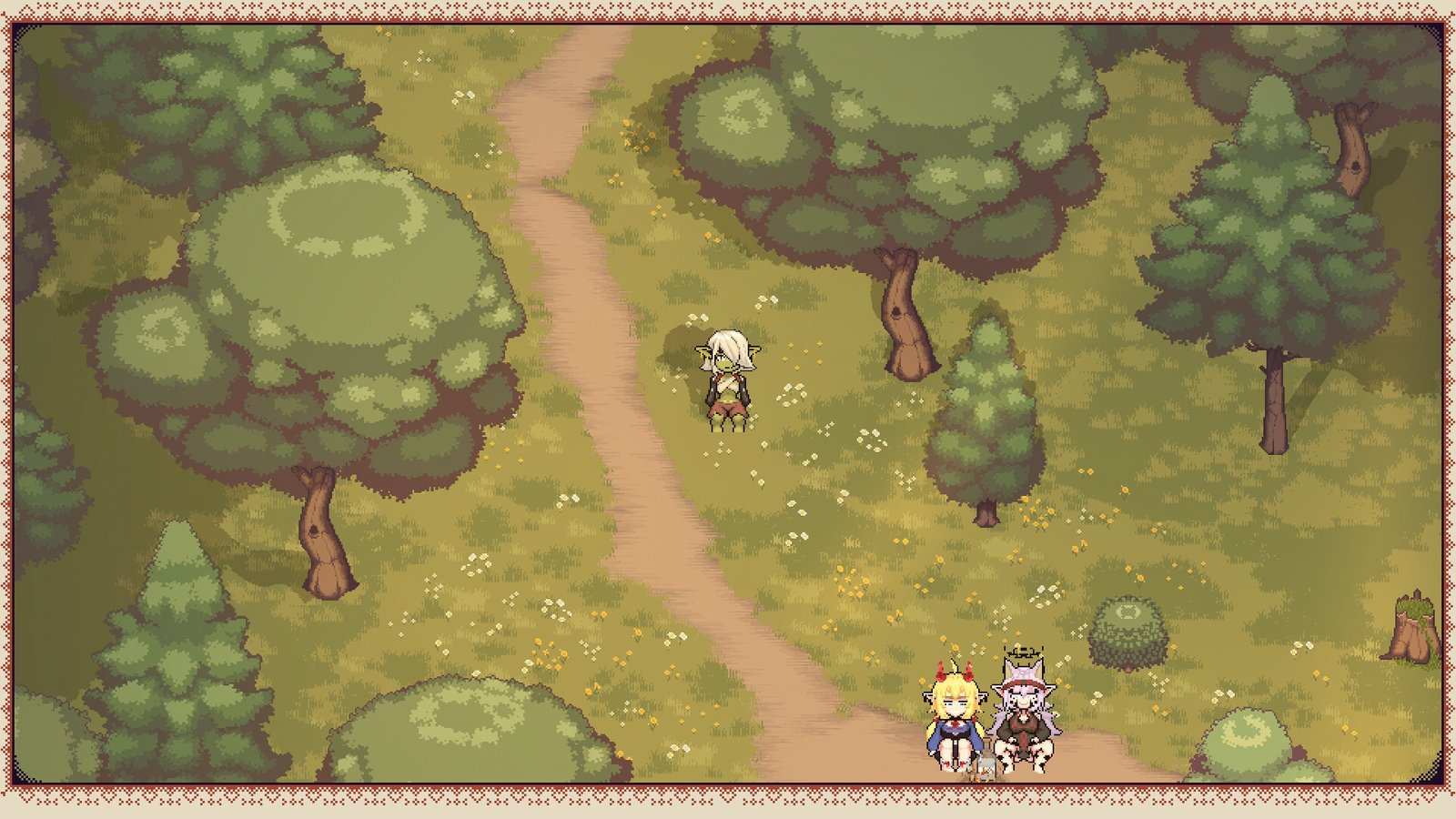
Each chapter of the tale is a new encounter with entities far more powerful than the little goblin herself. You will face the forces of nature and death, time and isolation, the creator, and that which lies beyond all things. Trials, temptations, and a few but meaningful choices will lead you to the finale. Lift the curtain, uncover hidden secrets, step beyond the walls that conceal more than they appear—and beware the tricks of the Gremlins.
Features:
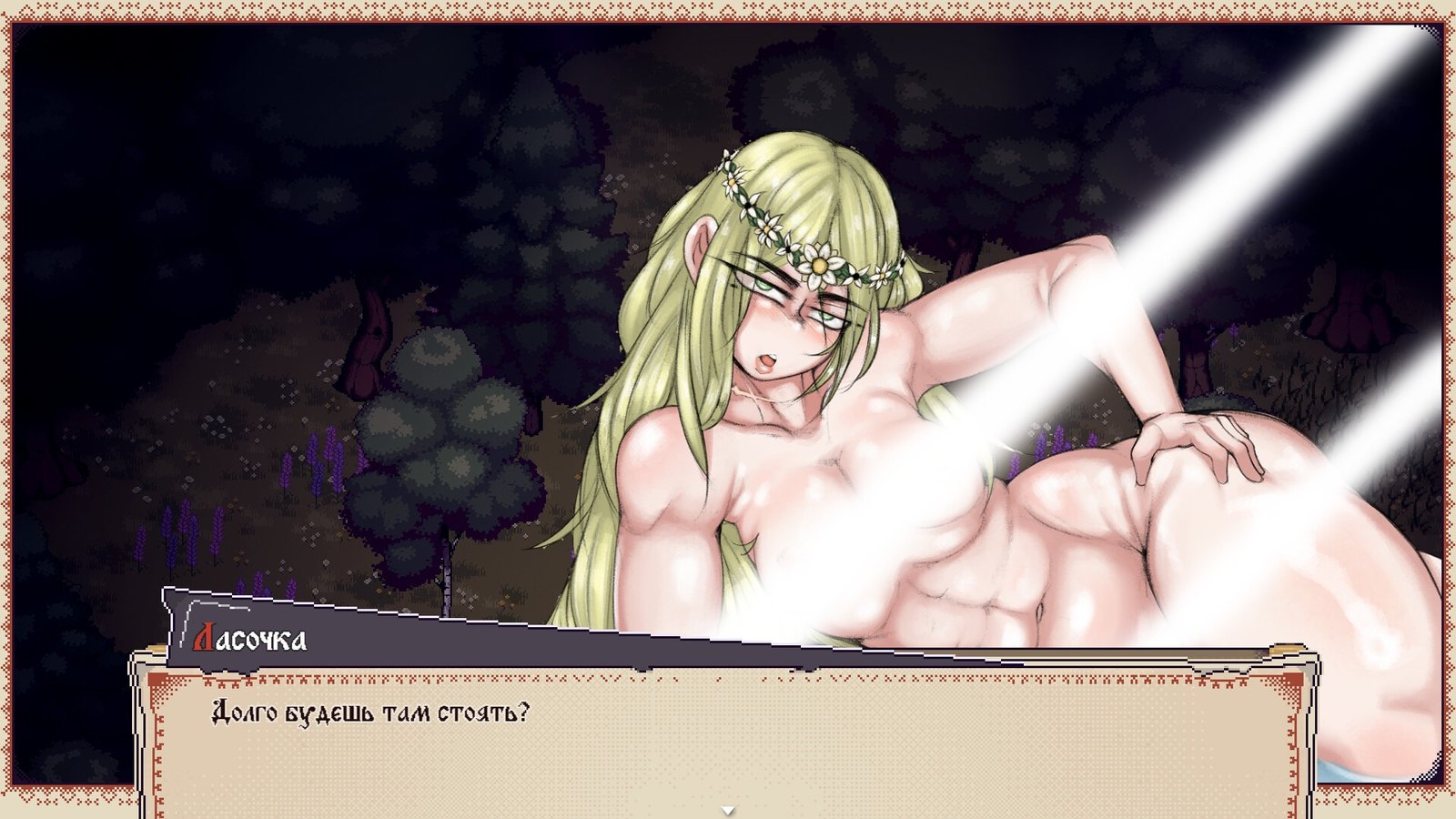
- A narrative-driven dark fantasy quest with elements of horror and eroticism.
- Subtle Slavic-inspired setting.
- An atmosphere of absurdity, irony, and grotesque, infused with mythological motifs.
- Death is not the end, but an essential part of the story.
- Collectible journals from “another world.”
- Fourth-wall-breaking narrative.
- QTE elements and dice checks.
System Requirements
- OS: Windows 10 64-bit
- Processor: Intel Core 2 Duo 2.0 GHz / AMD Athlon 64 X2 2.0 GHz
- Memory: 2048 MB MB RAM
- Graphics: Intel HD Graphics 4000 / NVIDIA GeForce GT 630 / AMD Radeon HD 6570
How to Download
- Click the Download button below and you should be redirected to Link.
- Download The Game from the given link.
- When the game is downloaded Double click the game folder and run the Pre-Installed (Already installed) Game and play it.
- Have fun and play! Make sure to run the game as administrator and if you get any missing dll errors, look for a Redist or _CommonRedist folder and install all the programs in the folder.
DOWNLOAD HERE:
Win: DataVaults
Support the Developers: Zetlaff