![Randel Tales [v1.9.2-4] By EroSandwich Studio](https://gamebrb.com/wp-content/uploads/2025/12/Randel-Tales-GameBRB.jpg)
Randel Tales Overview
Randel Tales is an Adult, Adventure video game. Developed and published by EroSandwich Studio. It was released on 28 Dec, 2025 for Windows. Randel Tales is an adult visual novel developed by EroSandwich Studio in which you get to meet many different people (mostly girls), go on many adventures with them and, who knows, maybe even get to bed a few of them?
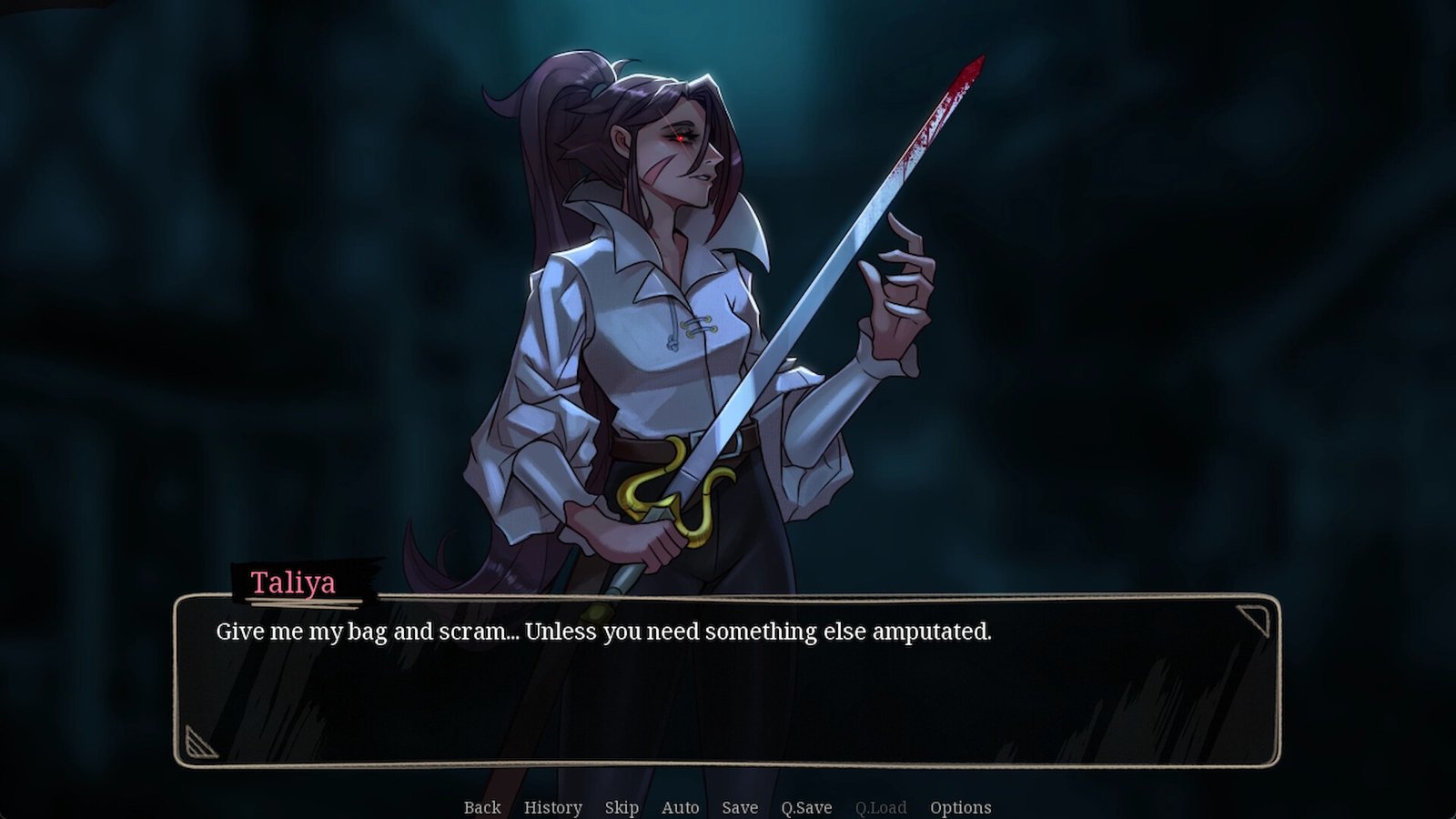
In a fantastical land named Astylla, a constant war against the Demon King’s Army has been waged for over 400 years. Just 15 years ago the Demon King was slain, yet the war has not stopped and it seems that the Demon army is slowly getting stronger. You play as an orphaned 19-year-old man who was taken in by a merchant when he was 4 and currently lives in the town of Randel. Now that he’s come of age, he is enlisted in the Academy and joins the Adventurer’s Guild, becoming an adventurer like he has always dreamed of… and getting laid much more than he ever dreamed of as well. From elves to dwarves, from shy childhood friends to mean redheads, from nympho guards to pure town girls, the town of Randel truly has it all.
Change-log:
v1.9.2-4
- Added a Taliya invisibility scene.
- Added more magic and history lectures. Two history lectures after the test, and one magical arts lectures.
- Added a pop-up that tells you how much EXP each action that gains EXP gives.
- Added the option to tell Uncle Pete you like Twig.
- Added the option to buy Thea’s clothes from the market.
- Added and improved some tips to make following the routes easier without a guide.
- Added the stealth checks pop-up when entering Thea’s room at night.
System Requirements
- OS: Windows 7
- Processor: 2.0Ghz
- Memory: 1 GB RAM
- Graphics: 128Mb
- Storage: 30 MB available space
How to Download
- Click the Download button below and you should be redirected to Link.
- Download The Game from the given link.
- When the game is downloaded Double click the game folder and run the Pre-Installed (Already installed) Game and play it.
- Have fun and play! Make sure to run the game as administrator and if you get any missing dll errors, look for a Redist or _CommonRedist folder and install all the programs in the folder.
DOWNLOAD HERE:
Win/Linux: DataVaults
Support the Developers: EroSandwich Studio