![Lovedoll Toy Factory [v0.4.1] [Glacier]](https://gamebrb.com/wp-content/uploads/2026/02/wqqwiyqweasd.jpg)
Lovedoll Toy Factory Overview
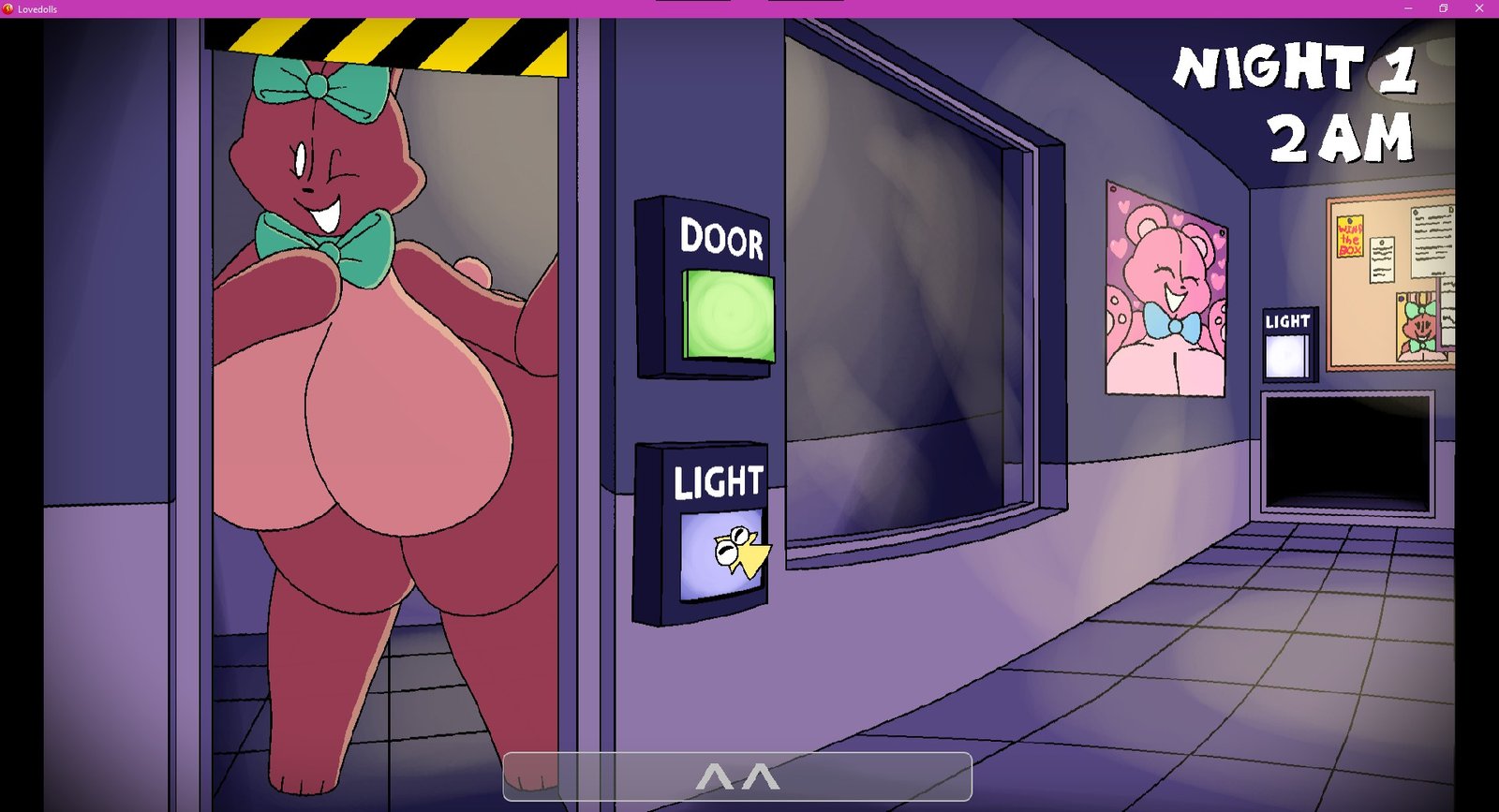
After receiving the news that you have a steep debt to pay in under a month, you hastily choose a job to make a quick buck to get out of it. Unfortunately, you did not read into what you were getting yourself into. Will you and your virginity survive the never-ending onslaught of disproportionately massive living plushies, or will you have a rough, pleasure-filled ending as their latest victim? And will you find out what is truly happening with the factory?
Changelog:
Spoiler
v0.4.1
[Bug Fixes]
– Fixed the game occasionally crashing whenever the player gets jumpscared. This was due to a setting I changed in the application properties that caused it to not load animated images correctly.
– The buttons on cameras no longer vanish permanently whenever the player fixes them after they go down. This was due to a major bug in Security’s code whenever she is unloaded from memory.
– Fixed one of the secret easter eggs to show up on the correct camera.
– Save files now function properly. Custom Night AI levels are now properly saved, so you don’t have to set them all over again.
– The config file for game settings now functions properly.
[Temporary Changes]
– Temporarily removed the FFMPeg object from the game, as people were having trouble opening the game for currently unknown reasons. The intro video, as a result, no longer loads, but is still present in the Data folder.
– New menu sounds, although I may change some of them because I’m not too satisfied with how they sound yet.
[Additions]
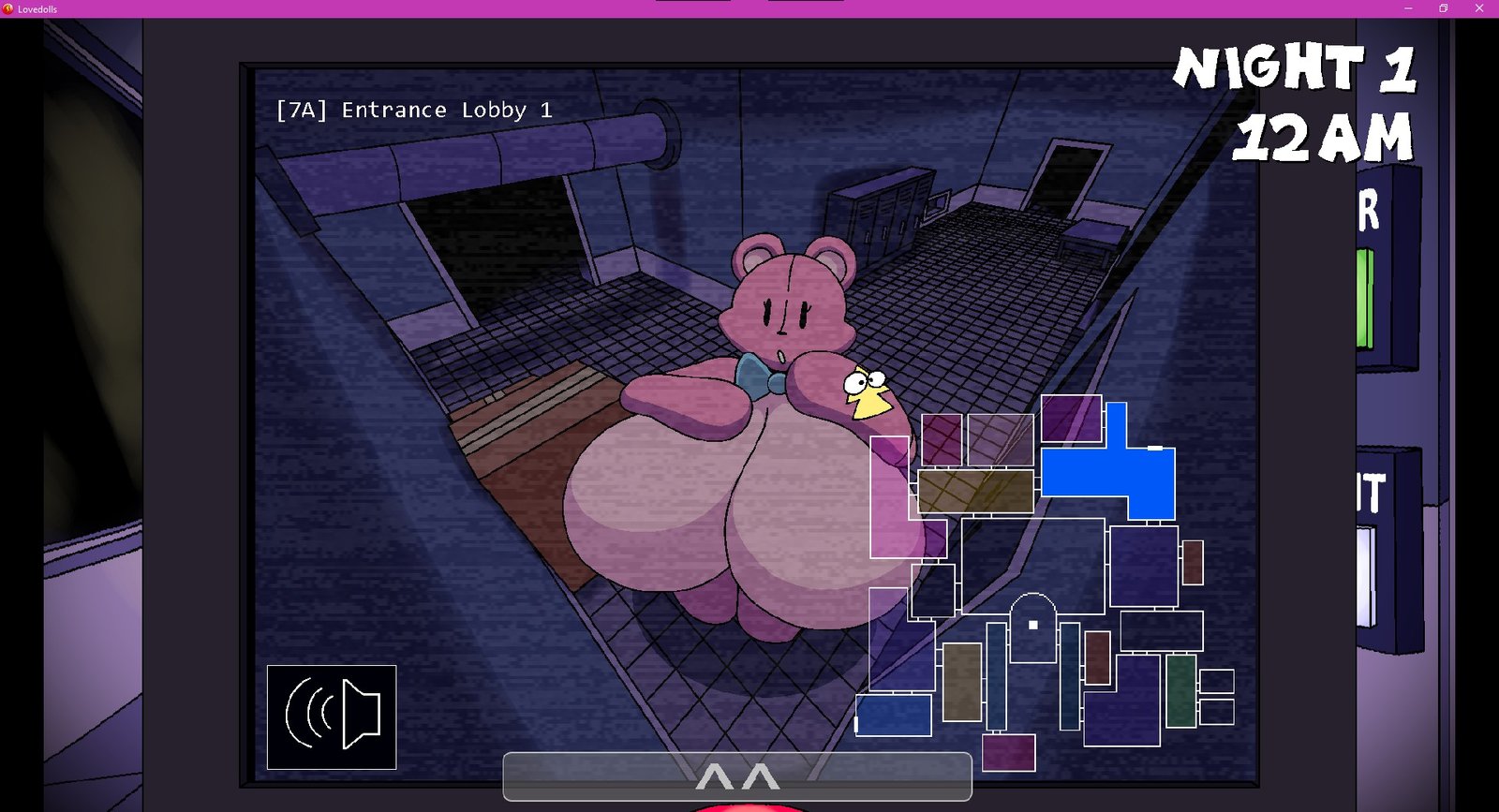
– Numerous new camera sprites for Hoppi! Not all of them have been drawn yet.
– Merri’s stun animations have been added, alongside quite a few hot vocal performances for Merri’s… peculiar method of preventing the player from doing stuff. This is alongside numerous changes to how her stun mechanic works.
– Merri’s camera sprites have been redrawn to fit better with the artstyle of the game, since they had a distinctly thicker line-weight than all of the other artwork. There are also new sprites for when she is at either door.
– Bratti’s window animations have been added!
– Character descriptions are now displayed on the custom night screen. You can now read up how each character works by hovering your mouse over their portrait. Later down the line, I plan on displaying this in a much more fancier fashion.
– Creepi has been somewhat implemented into the game. She currently only has a few sprites drawn, and cannot jumpscare the player yet.
– There are now keybinds for opening the camera/panel. The default keybind is Space. You can rebind it using the config file.
– There is also a keybind for playing the lure. It’s default is Shift. You can also rebind it using the config file, too.
– You can now disable the perspective effects, vignette effects, and camera glitch effects in the config. The options for the former 2 were in the config file before, but did not have any effect on the game.
– Vsync now works with the game, meaning that you can now run the game on higher FPSes on high refresh rate monitors.
[Removals]
– Unfortunately, due to programming complications, the planned pause screen is likely going to be removed, or rather replaced with a menu upon pressing ESC that does not actually pause the gameplay, but allows the player to restart the night or exit to the menu.
– Removed Lerri.
[Config.ini]
Since there is no actual settings menu implemented yet, I would like to explain what each setting in config.ini does.
- Fullscreen – Determines if the game is fullscreen or not.
- Vsync – Determines if Vsync is active. This makes the game match your monitor’s frame rate.
- FPS – When Vsync is disabled, this is the frame rate that the game is limited to. Due to Clickteam limitations, the max limit is 1000.
- Show Cursor – Determines if the animated cursor for the game will replace the normal windows mouse.
- Perspective Effect – Disabling this removes the perspective shader.
- Vignette Effect – Disabling this removes the black vignette around the screen.
- Camera Glitch – Disabling this removes the glitch effect when switching cameras.
- Discord Presence – Enables the game’s Discord rich presence. Somewhat unfinished.
- Instant Retry – Does nothing currently. Will allow the player to instantly retry the night after getting a game over.
- Skip Intro – Skips the intro video and goes straight to the title screen. (Currently, the intro video does not play ingame because the FFMpeg object caused issues.)
- Open Panel – The keybind that opens the camera panel and repair panel. Can be rebinded to other keys.
- Play Lure – The keybind that plays the audio lure on the cameras. Can be rebinded to other keys.
System Requirements
- OS: Windows 7
- Processor: 2.0Ghz
- Memory: 1 GB RAM
- Graphics: 128Mb
- Storage: 30 MB available space
How to Download
- Click the Download button below and you should be redirected to Link.
- Download The Game from the given link.
- When the game is downloaded Double click the game folder and run the Pre-Installed (Already installed) Game and play it.
- Have fun and play! Make sure to run the game as administrator and if you get any missing dll errors, look for a Redist or _CommonRedist folder and install all the programs in the folder.
DOWNLOAD HERE:
Win: DataVaults
Support the Developers: Glacier