Game Info
Title: Jukai Maze
Genre: Adventure, Indie
Developer: 致意 – Steam
Publisher: 致意
Franchise: 神無迷路
Release Date: 21 Jan, 2026
Jukai Maze Overview
Beneath the shadowed sea of trees below the volcanic mountain lies a mysterious facility probing the afterlife, as omens of the world’s end approach. A loved one missing, reality twisting, a volcano stirring below. Once more you enter the maze, seeking the exit hidden in spectral forest shadows. Do you believe in the existence of an afterlife?
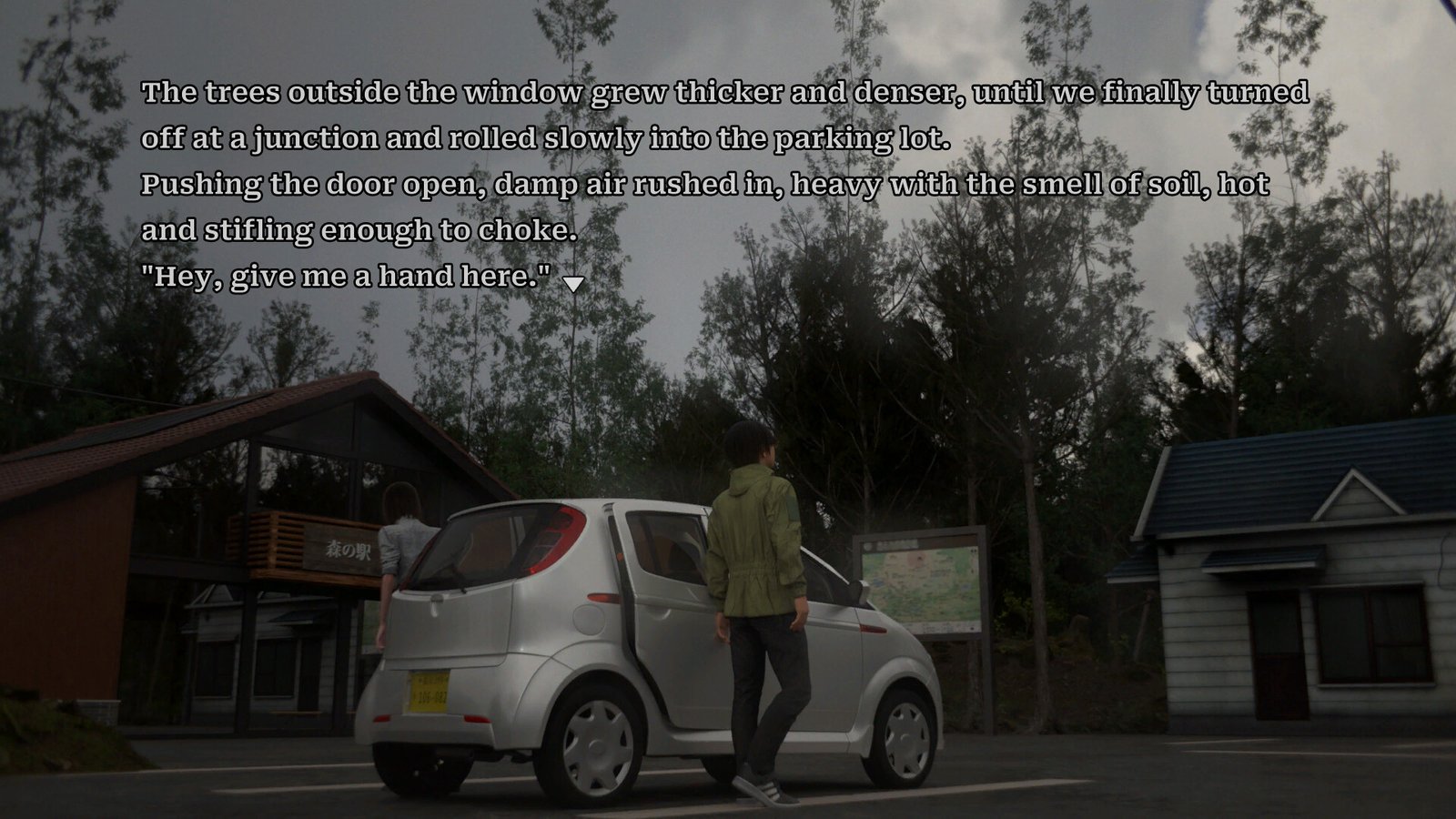
Jukai Maze is a sci-fi suspense visual novel where every choice sends the story down a completely different path. Branching routes twist and diverge with each decision you make. Explore multiple endings, piece together scattered clues, and uncover the deeper truth that lies beneath them all. “They say there’s a research institute at the foot of Mount Fuji studying the afterlife.” Intrigued by the half-believable rumor, Shiu invites the protagonist, Haryu Ryoushi, to explore the depths of Aokigahara. What was supposed to be a simple vlog shoot shifts the moment they step into the forest. As night falls and the mist thickens, they lose their sense of direction. Shiu vanishes without a trace, and Ryoushi is pulled into another “reality,” awakening inside a strange psychiatric hospital.
Everyone inside mutters things that border on madness:
“This place is a dream.”
“This place is another planet.”
“This place is the afterlife.”
As the boundary between truth and illusion collapses, Ryoushi sinks deeper into the maze, and is soon entangled in a baffling murder case……
Features
- Fully voiced in Japanese
- Clear, elegantly structured storytelling
- Expressive and nuanced character portraits
- Cinematic visual presentation
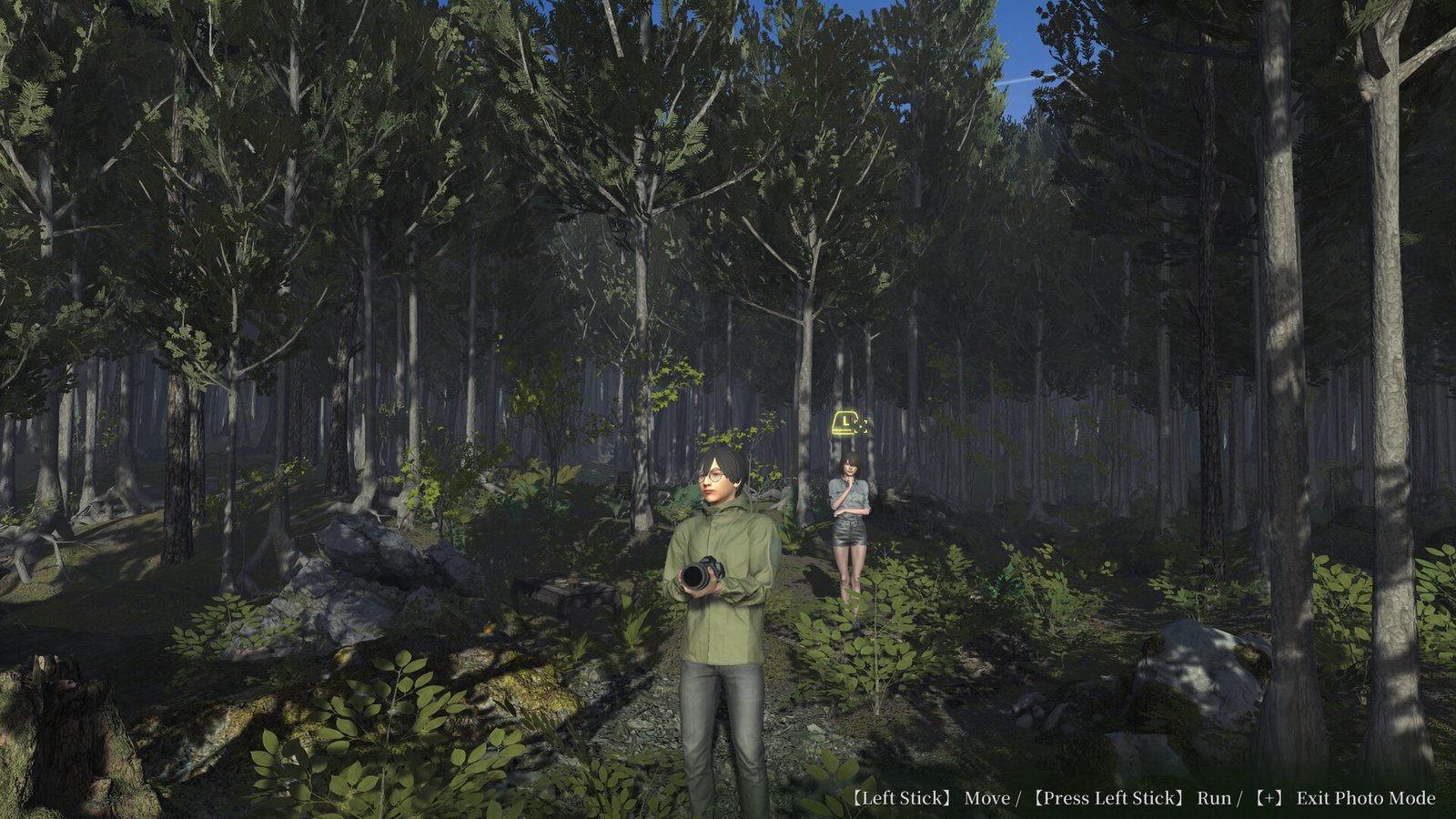
- “Jukai Photo Mode” for freely exploring the sea of trees
System Requirements
- OS: Windows 10
- Processor: Intel Core i3-2100 or equivalent
- Memory: 2 GB RAM
- Graphics: NVIDIA GeForce GTX 750 Ti / GTX 960 or better
- DirectX: Version 11
- Storage: 10 GB available space
- Sound Card: DirectX compatible sound card
How to Download
- Click the Download button below and you should be redirected to Link.
- Download The Game from the given link.
- When the game is downloaded Double click the game folder and run the Pre-Installed (Already installed) Game and play it.
- Have fun and play! Make sure to run the game as administrator and if you get any missing dll errors, look for a Redist or _CommonRedist folder and install all the programs in the folder.