
Gardens of Lust and Desire Overview
In these sunlit gardens, pleasure grows like wild vines. Explore an open world of intimacy, romance, and desire — where every path leads to warm bodies, soft touches, and sensual freedom. This game requires a dedicated GPU (NVIDIA RTX / AMD Radeon). Using integrated graphics or running the game from an HDD may cause severe performance issues, stuttering, or low FPS. For the best experience, please play on a modern dedicated GPU and an SSD.
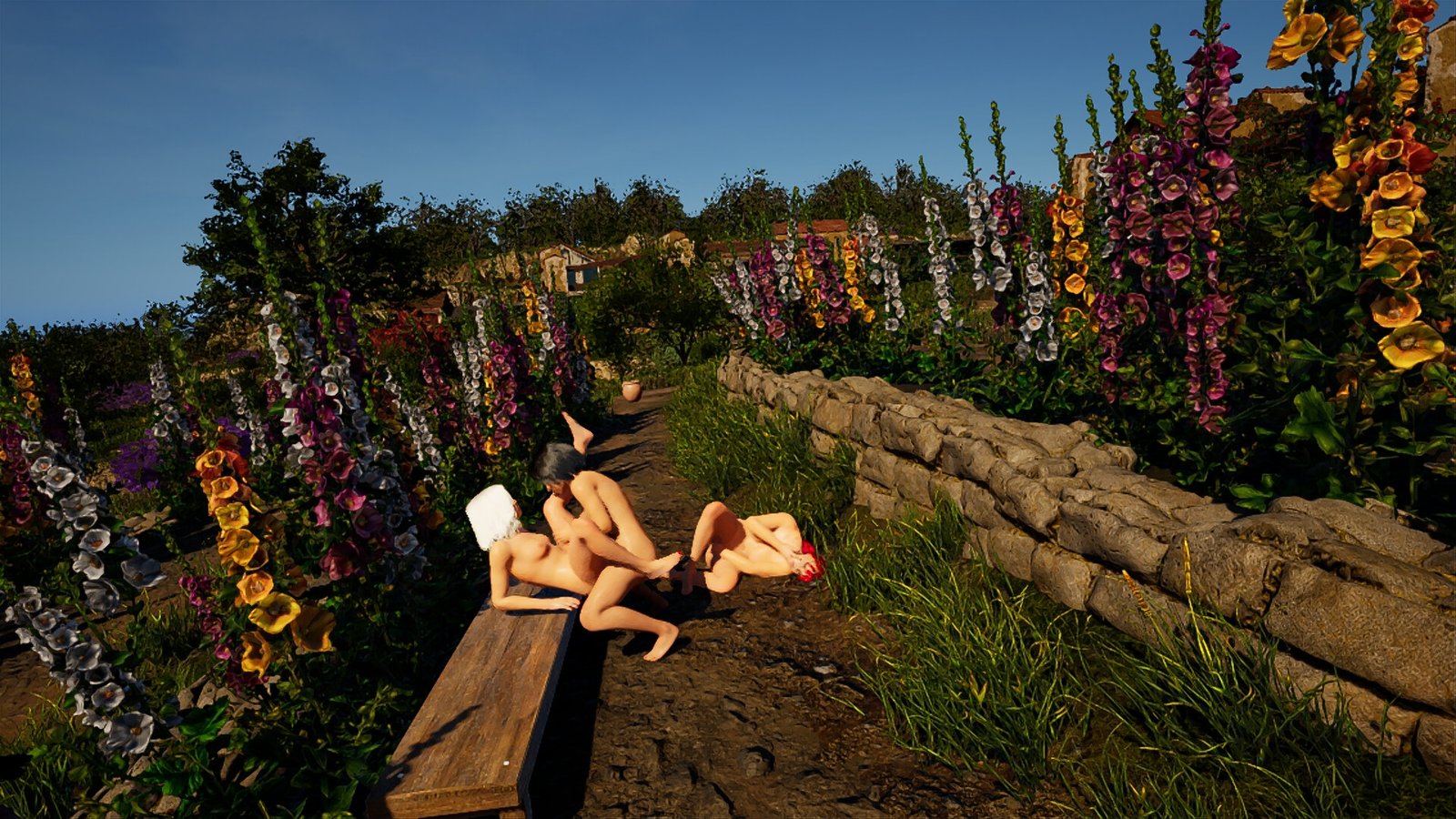
Gardens of Lust and Desire is an adult erotic adventure and interactive sex simulation set in a warm Mediterranean paradise — a world of blooming vines, stone arches, soft grass, and bodies meeting under the open sky. Created for mature players (18+), this sandbox blends romance, passion, and fully animated erotic encounters where intimacy feels natural, warm, and free from boundaries.
Features
- Free Exploration Sandbox: Move freely across the garden, discovering interactive NPCs open to romance and intimate encounters.
- AI-Driven Encounters: Speak softly, flirt, tease — your tone and choices shape how the moment unfolds.
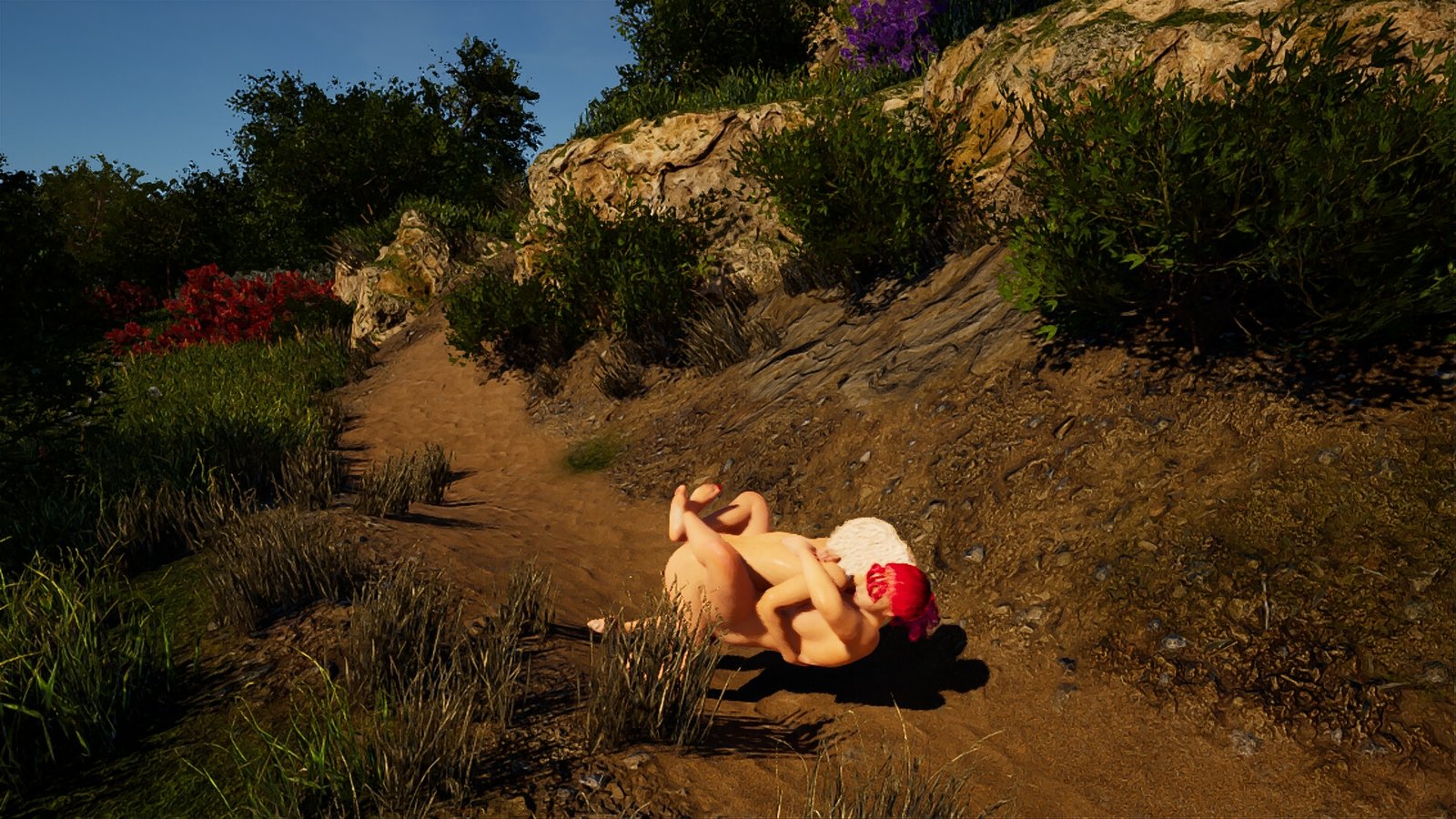
- Explicit Sex Scenes: Experience fully animated erotic interactions with camera control, smooth transitions, and lifelike motion.
- Nature-Rich Setting: Sunlit terraces, wildflowers, old stone walls, and warm breezes create a soft, sensual, and immersive atmosphere.
Adult Content Warning: This title contains full nudity, explicit sexual content, and fully animated erotic scenes intended only for players aged 18+. All characters are fictional and over 18 years old.
System Requirements
- OS: Windows 10 or later (64-BIT Required!!!) It is not working on 32-BIT systems!
- Processor: Intel Core i5-4590 / AMD FX 8350
- Memory: 16 GB RAM
- Graphics: NVIDIA RTX 20xx series | AMD GPU
- DirectX: Version 11
- Network: Broadband Internet connection
- Storage: 18 GB available space
How to Download
- Click the Download button below and you should be redirected to Link.
- Download The Game from the given link.
- When the game is downloaded Double click the game folder and run the Pre-Installed (Already installed) Game and play it.
- Have fun and play! Make sure to run the game as administrator and if you get any missing dll errors, look for a Redist or _CommonRedist folder and install all the programs in the folder.
DOWNLOAD HERE:
Win/Linux: DataVaults
Support the Developers: Games For Pleasure